Solitaire for Seniors
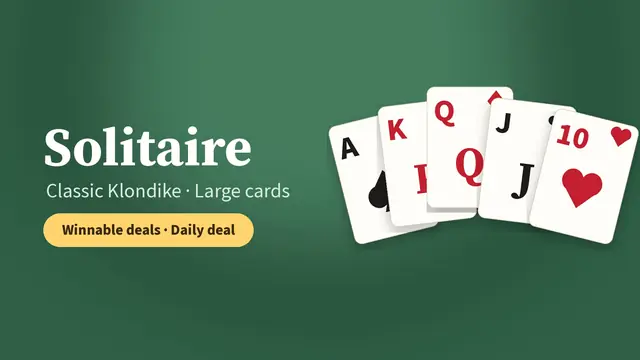
The same Klondike Solitaire you may remember from the family computer, made calmer and easier to see. Large cards, tap to move and every game can be won.
▶ Play Solitaire (Draw 1)Today's Daily Deal
Why it is comfortable to play
- Large cards with big numbers and suits. See Solitaire with large cards.
- Tap instead of drag. Tap a card and it goes to the right place.
- Draw 1 by default, the easier way to play. Draw 3 is there when you want it.
- No timer and no score unless you turn them on.
- Unlimited undo and a 💡 Hint that shows a good move or tells you kindly when no moves are left.
- Your game is saved automatically and Continue brings it back.
No more unwinnable games
Old solitaire programs often dealt games that could never be finished, which can be discouraging. Here every deal has already been solved by a computer, so if you keep at it there is always a way to win.
Learn or refresh the rules
Our Klondike Solitaire rules guide explains the layout, the moves and a few winning tips in plain words. Looking for something different? Try easy Mahjong Solitaire or Sudoku for seniors.
Frequently asked questions
Is this the same as Windows Solitaire?
Yes. It is classic Klondike, the game that came with Windows, with Draw 1 or Draw 3.
Does it work on an iPad?
Yes. It works in Safari or any browser on iPad, iPhone, Android tablets and phones, and computers.
Is it free?
Yes. It is completely free, with no account and no download.